Quiz card
In quiz mode, when a session finishes, aq picks the parts of the diff that matter and asks you about each one: what the code does, or why it was done that way. You answer in your own words, and a judge marks the answer. One question on the whole change comes last.
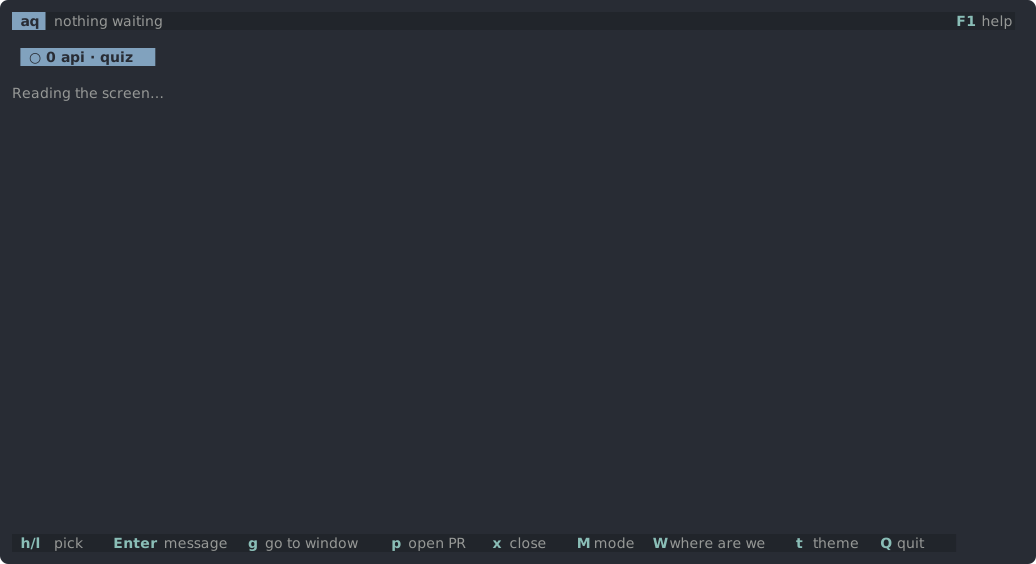
If an answer is not right, or you say you don't know, you get a question that leads towards what you missed, and another try. After two tries the answer is shown.
Keys
| Key | What it does |
|---|---|
Ctrl-S, or Enter on an empty line | submit the answer |
Esc | put the answer box away |
Enter | answer again after Esc |
m | show the whole file |
e | show the answer now |
y | fine as is |
c | ask for a fix |
r | judge or generate again |
x | dismiss a quiz that failed |
Gaps in the code
Sometimes the judge finds a gap in the code itself, not in your answer. The card then offers keep-as-is (y) or send-a-fix (c), which sends the gap back to the session.
Cost
aq writes the questions and judges the answers with claude -p, a separate Claude run with read-only tools, so quiz mode uses your Claude plan's usage.